QR Code Ordering Software for Restaurants
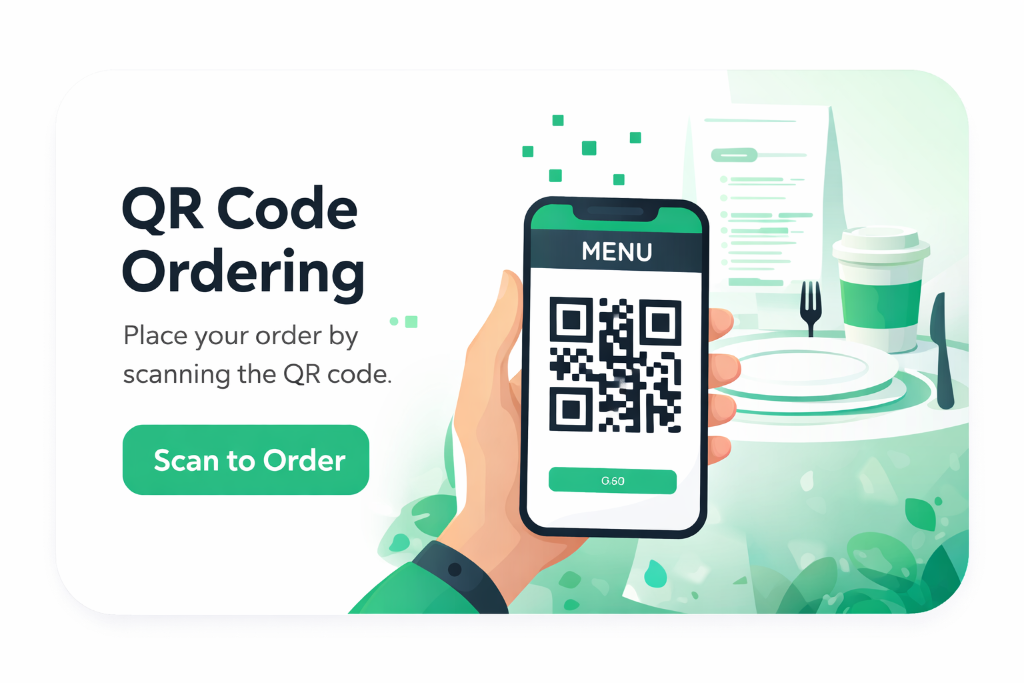
QR code ordering turns every table into a self-service point of sale. Diners scan a table-specific code, view your full menu with photos and descriptions, place orders directly, and the kitchen is notified instantly — no staff intervention needed and no app for your customer to install.
Key Benefits
No app to download
Guests use their phone camera to open a mobile-optimised menu in seconds. Zero friction means higher adoption and more orders.
Fewer order errors
Customers pick exact items and modifiers themselves, so misheard orders and missing modifications are dramatically reduced.
Faster table turns
Ordering starts the moment guests sit down. The kitchen receives tickets instantly, cutting wait time between seat and serve.
Per-table codes
Every table gets its own QR so orders arrive with the correct table number automatically — no manual mapping required.
How It Works
- 1
Print and place a unique QR code on each table.
- 2
Guests scan, view your menu with photos, and build their order.
- 3
Orders appear instantly on the kitchen display with table number.
- 4
Staff mark status from New → Preparing → Ready → Served in real time.
Frequently Asked Questions
Do customers need to download an app?
No. QR ordering works through the phone's browser after scanning the code. There is nothing to install.
Can I control which tables offer QR ordering?
Yes. Each table is created in KiwiNova Dine and gets its own code — you decide which tables to enable.
Does it work offline?
QR ordering requires an internet connection on the guest's phone, but your kitchen display works on your normal network.
Related features
Restaurant Reservation Software
A modern reservation system captures bookings around the clock from your public booking page. Guests choose date, time and party size; the platform allocates the right table, sends a confirmation email, and updates your team's live calendar automatically.
Kitchen Display System for Restaurants
A kitchen display system (KDS) routes every order — from QR ordering, waiters or the front counter — straight to a clear screen in the kitchen, colour-coded by status and timed from the moment it arrives. The whole team sees the same live queue without paper tickets.
Restaurant Analytics & Revenue Software
Restaurant analytics turns the data you already capture — orders, bookings, prep lists, invoices and staff time — into clear insight. Know your busiest hours, your most profitable dishes and your revenue trend without spreadsheets orguesswork.
Ready to try QR Code Ordering Software for Restaurants?
Start your 30-day free trial — no credit card required.